



Description
Download SOPlay APK – IPTV Player, Video Streaming, Mobile TV, Free APK, Secure Download
Overview
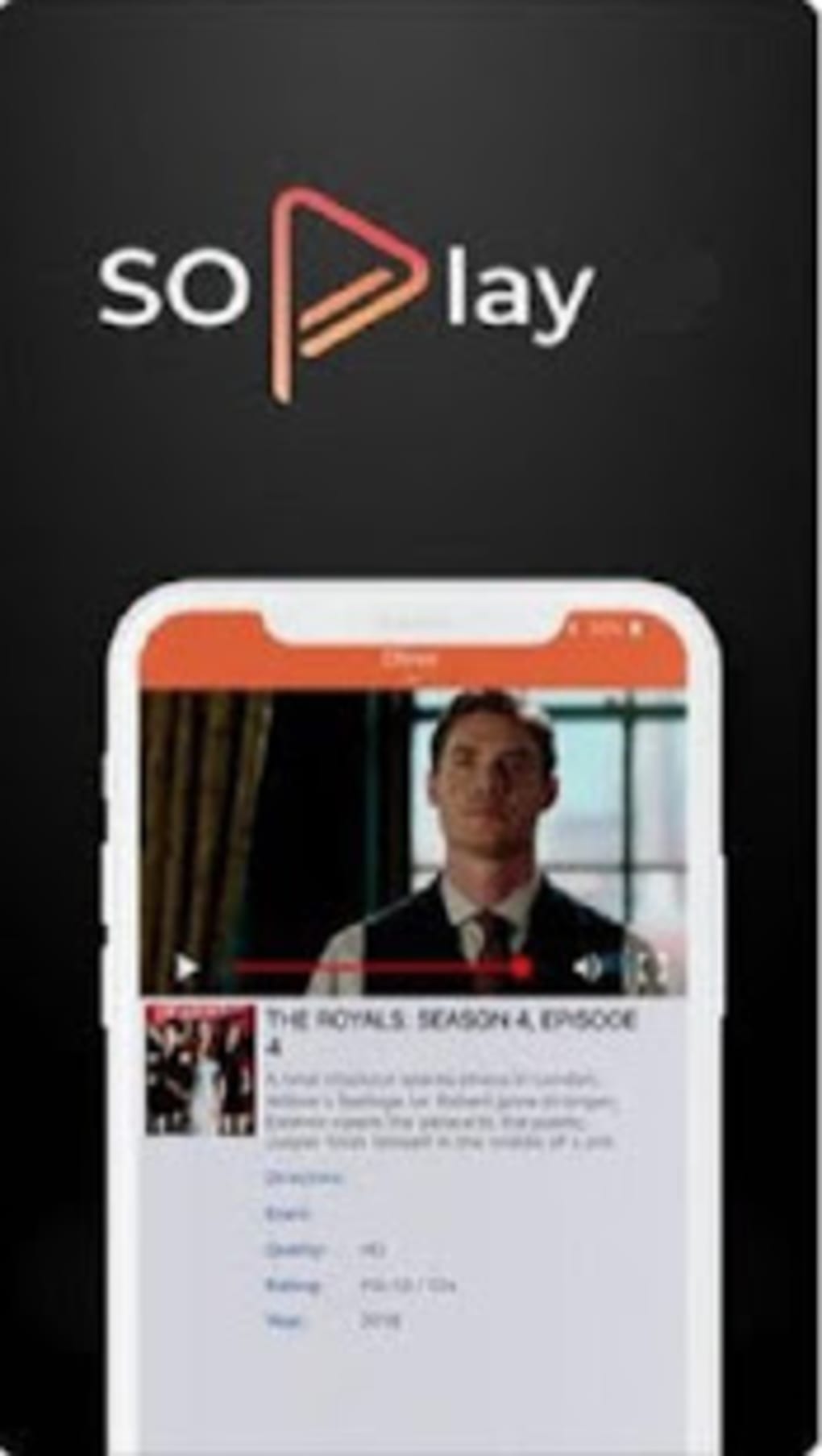
SOPlay is a free IPTV player designed for mobile devices, developed by devs4you. As a multimedia application, its primary purpose is to serve as a video playback platform that enables users to stream movies and TV shows directly from their smartphones or tablets. Unlike traditional streaming apps, SOPlay does not deliver content on its own; instead, it functions as middleware, acting as a bridge between the user and their IPTV service provider. This means the app does not include live TV channels, video-on-demand (VOD) libraries, or online radio stations. Instead, it relies entirely on external subscriptions to provide streaming content.
The target audience includes individuals who already subscribe to IPTV services and are seeking a lightweight, dedicated player for mobile viewing. It is particularly useful for users who want to access their existing IPTV feeds on the go. Real-world usage scenarios include watching live sports events, catching up on favorite series, or viewing on-demand content through a provider’s feed. While the app is free to download and install, activation requires valid login credentials from an IPTV service provider. The developer did not provide additional details about the app’s origin or broader company background.
Key Features & Capabilities
- Free to Download and Install – SOPlay is available at no cost, making it accessible to users seeking a lightweight IPTV solution without upfront expenses.
- Mobile IPTV Player – Designed specifically for Android devices, it enables streaming of video content from external IPTV providers.
- Content Access via Subscription – The app functions as a playback layer, allowing users to access streams only after authenticating with their IPTV service credentials.
- Fast Content Access – Once activated, users can quickly navigate to their subscribed content without relying on a web browser or complex setup.
- High Video Quality Support – The app is reported to support high-quality video playback, though exact technical specifications were not provided.
Realistic usage examples include watching live sports via a paid IPTV subscription or streaming a movie from a VOD library. The app streamlines access to existing content but does not offer content discovery tools. Users must manually browse channels or categories, as no search functionality is present. The lack of favorites or program guide features limits usability for frequent viewers. Despite these limitations, the app’s role as a dedicated player may appeal to users who value simplicity and direct access to their provider’s streams.
User Interface, Workflow & Performance
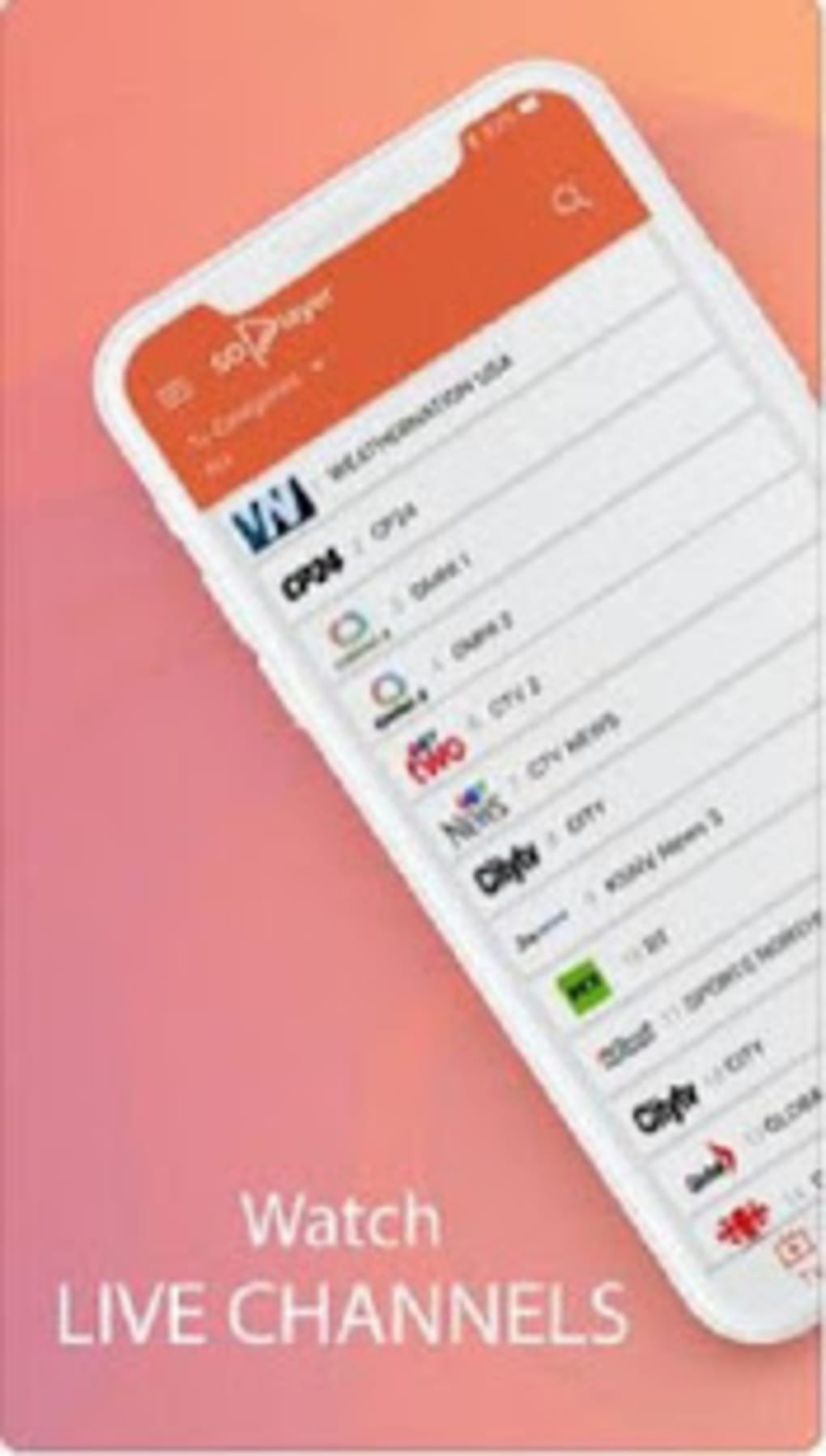
The user interface of SOPlay is structured around channel and content categories, offering a basic layout that organizes streams into folders. Navigation is primarily through scrolling and tapping, with no visible search bar or filter options. This can make locating specific content time-consuming, especially for users with large channel lists. The workflow begins with app launch, followed by entering IPTV login credentials, after which content becomes accessible.
Performance observations are based on general software behavior patterns. The app is reported to suffer from frequent freezes and occasional crashes, which may disrupt the viewing experience. Stability issues could stem from compatibility with certain Android versions or device hardware. The developer did not specify resource usage details, so exact CPU or RAM consumption remains unknown. Users may experience lag during playback, particularly on lower-end devices. While video quality is described as good, performance inconsistencies could undermine this benefit. Overall, the user experience is hindered by a lack of responsive design and reliability.
Compatibility & System Requirements
SOPlay is designed for Android-based mobile devices. The exact operating system version requirements were not listed. Installation size is not specified in the provided information. The developer did not provide additional hardware or system compatibility details. Platform compatibility information is limited to mobile Android platforms. Users should note that the app is not available on the Google Play Store, which may affect automatic updates and security verification.
Pros and Cons
Pros
- Free to download and use
- Designed for mobile IPTV streaming
- Supports high-quality video playback
- Fast access to subscribed content
- Acts as a lightweight player for existing IPTV services
Cons
- Lacks search functionality
- No favorites or bookmarking feature
- No program guide or schedule information
- Frequent freezing and crashes reported
- Not available on official app stores
FAQ Section
Is SOPlay available on the Google Play Store?
SOPlay is not available on the Google Play Store. It must be downloaded from third-party sources, which may pose security risks.
Does SOPlay provide its own streaming content?
No. SOPlay does not deliver live TV, VOD, or radio content. It acts as a player that streams content only from an active IPTV service provider.
Do I need a subscription to use SOPlay?
Yes. An active IPTV subscription is required to access any content through SOPlay. The app itself does not provide content.
Is SOPlay safe to download?
Since SOPlay is not available on official app stores, downloading from third-party sources increases the risk of malware. It is recommended to use trusted sources and scan the APK file before installation.
Can I use SOPlay offline?
SOPlay requires an active internet connection and a valid IPTV subscription to function. It does not support offline playback or cached content.
Final Thoughts + CTA
SOPlay presents itself as a free, mobile-focused IPTV player for users already subscribed to external streaming services. While it offers fast access to content and supports high video quality, its usability is significantly hampered by a lack of essential features like search, favorites, and program guides. Frequent performance issues, including freezing and crashes, further diminish the viewing experience. The absence of official distribution through the Google Play Store raises security concerns. For users seeking a reliable, feature-rich IPTV experience, alternative platforms may offer better stability, navigation, and support. However, for those with an existing IPTV subscription who prioritize minimal setup, SOPlay may serve as a basic viewing tool.
Download SOPlay APK now and explore your IPTV content on the go.
Guides & Tutorials for SOPlay APK
How to install SOPlay APK
- Click the Preview / Download button above.
- Once redirected, accept the terms and click Install.
- Wait for the SOPlay APK download to finish on your device.
How to use SOPlay APK
This software is primarily used for its core features described above. Open the app after installation to explore its capabilities.
User Reviews for SOPlay APK 0
No reviews found





